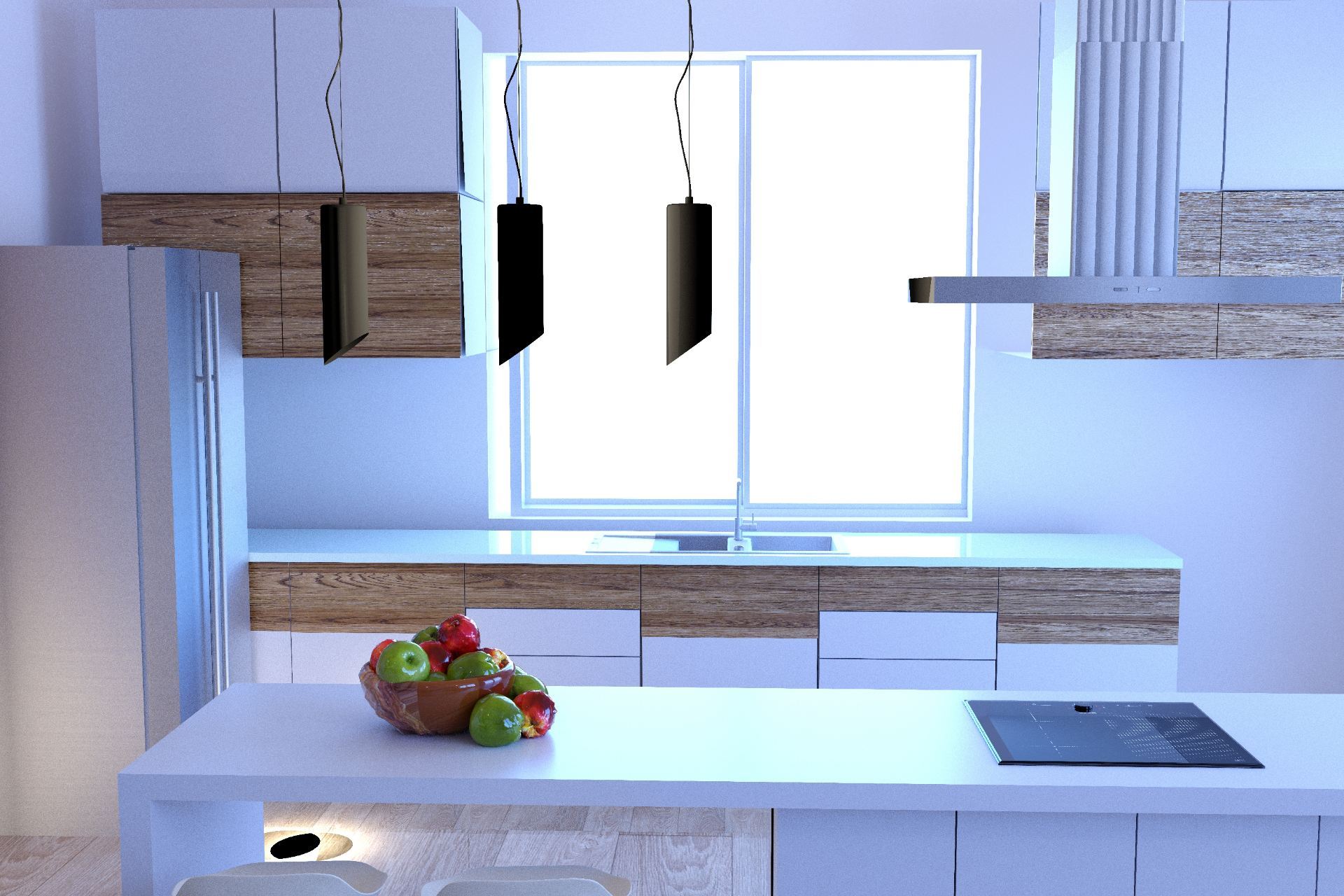

Since I consider interior design as one of the possible future career paths I wanted to connect this project with designing an interior. My Possible World focuses on the creation of a small immersive environment such as an interior design of my living room. I decided to start with not so much of designing but copying an existing room in my house. Of course, the environment is simplified and many objects have similar but not the same structure (such as piano, spiral staircase).
Here is the picture of my (ready for Christmas) living room vs. the rendered Maya image.


In Maya, I modeled the environment and its materials, textures, lighting and movement of a camera through space. First part of the project was to create an environment. The material and textures include laminate, wood (piano, coffee table, stairs, plant), carpet, leather and others. Doors and windows with blinds are png images inserted into the walls. I learned how to use bump mapping to create a realistic textures of leather and carpet.
Bump mapping of leather texture(alpha gain = 0.1, picture with inverted in Photohop colors)
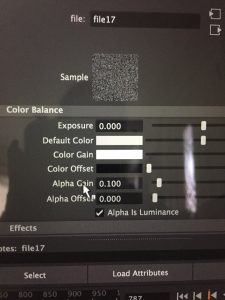
Bump mapping of carpet texture (alpha gain = 0.8)

Second part was to create a simple rigged entity. In my case, it is a butterfly. Even though I learned how to use Blend Shapes, I used Expression Editor (Windows->Animation Editors->Expression Editor) for rigging the wings.
Left wing (I played around with each wing separately).
Note: These functions are made only after creating additional attributes in the Channel Box (Edit -> Add Attribute) , such as in my case Wiggle, WingSpan, and CycleTime.
math function = sin

Right wing
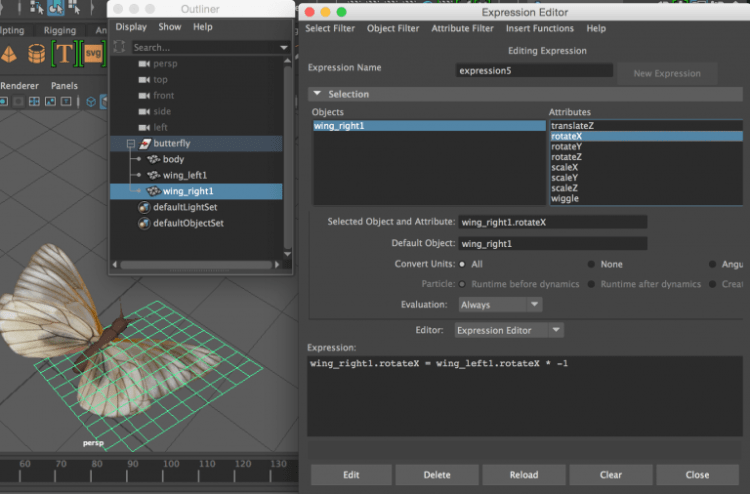
The first couple of seconds of the animation shows randomized motion of the butterfly which is also done using Expression Editor.
random function = noise

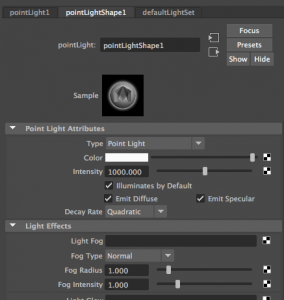
For the light, I used one light source – point light with intensity 1000 and retrace shadows.
After organizing lighting and movement of a camera through space, I created a small animation of two butterflies flying in my living room.
Unfortunately, I could not batch render an entire animation. After rendering first 50 frames, which took about 2.5 hours, I calculated that I would need 50 hours to render my 1000 frame movie. To demonstrate some of the textures, I rendered a few separate frames.
At the frame 1, we can see closely the butterfly wings and piano keys with their reflected shadows.

At the frame 322, we can see the spiral staircase materials and textures (and the realistic shadow on the wall):
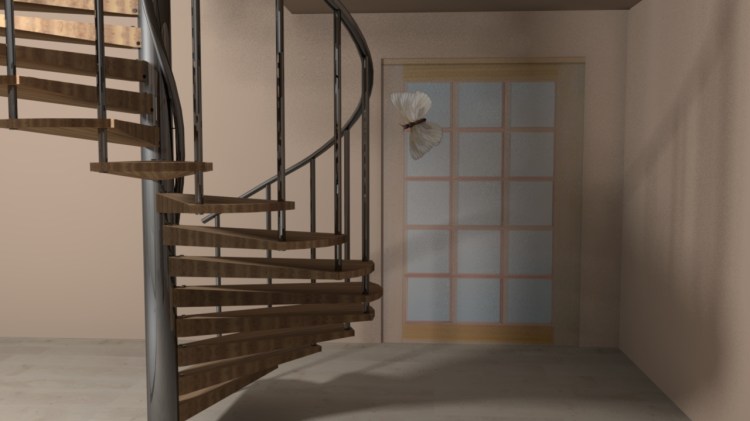
At the frame 460, we can see the carpet and coffee table textures:

In order to see the carpet little better, I removed the coffee table:
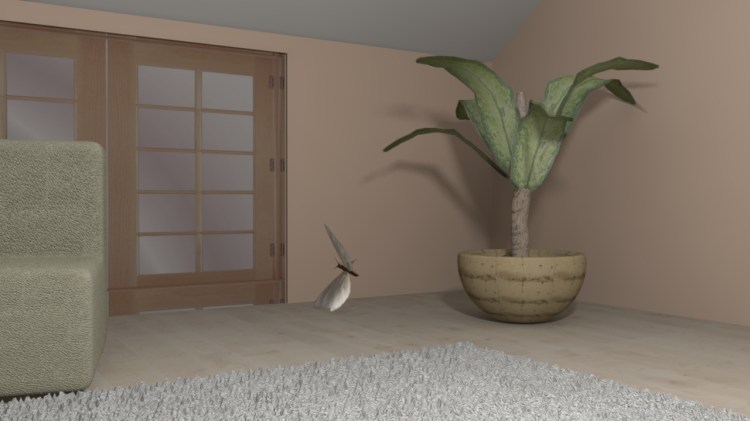
At the frame 562, we can see textures of the plant (leaves, pot, crust, dirt) and the nice shadow on the wall:
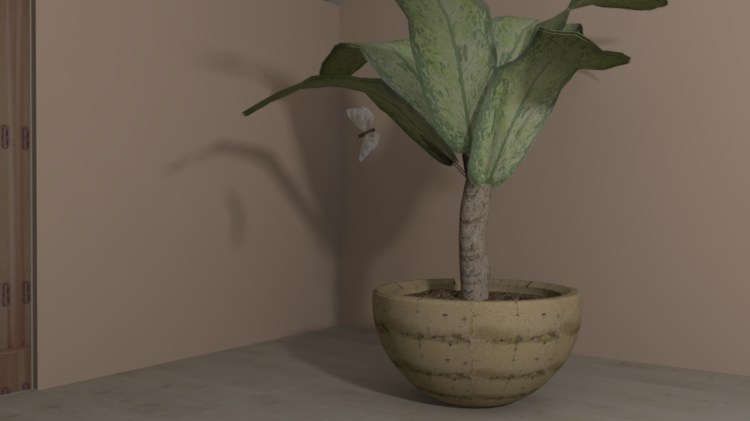
At the frame 835, we can closely see the leather texture:
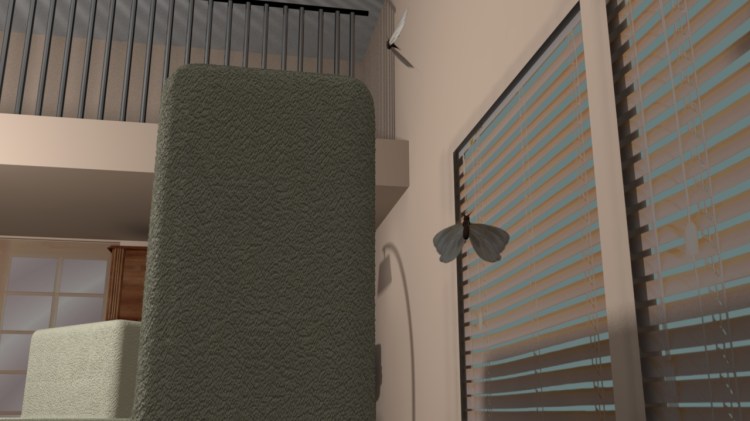
I also rendered a few other random perspective views to have a better understanding of the room layout and some other textures.
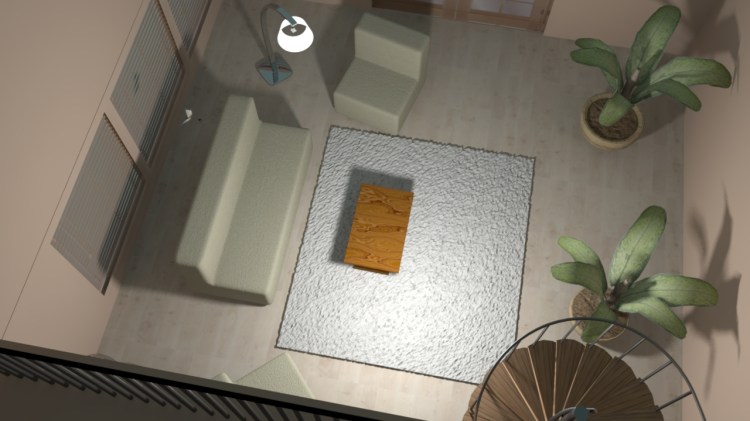
living room top view rendering 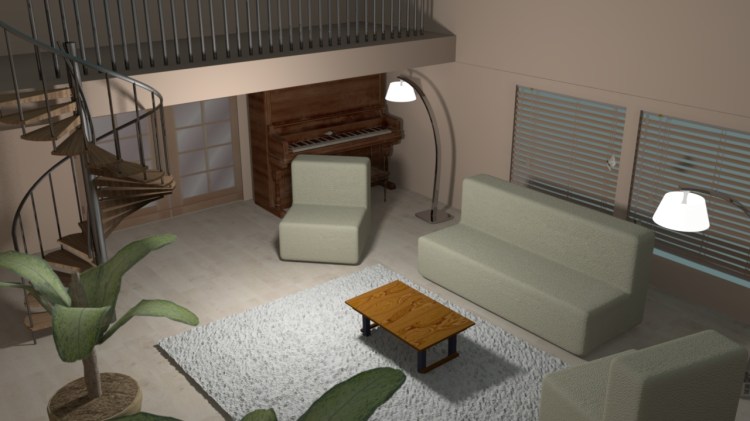
living room rendering 1 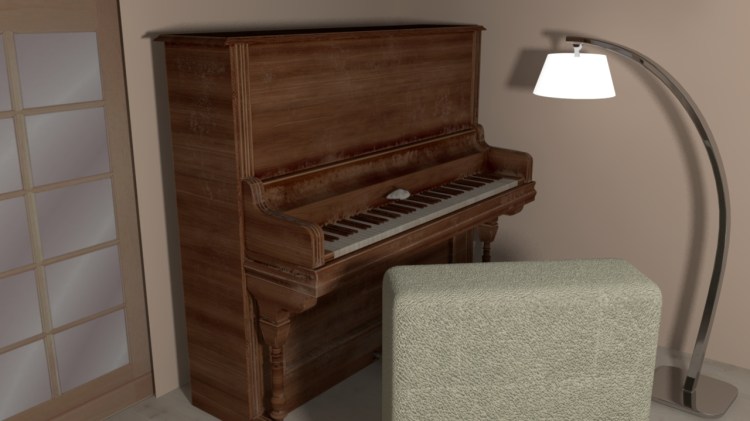
living room piano rendering

Related Posts

Why I Choose Animated SVGs over GIFs
There are many benefits of using animated SVGs over GIFs, including size,…